
Why people order this
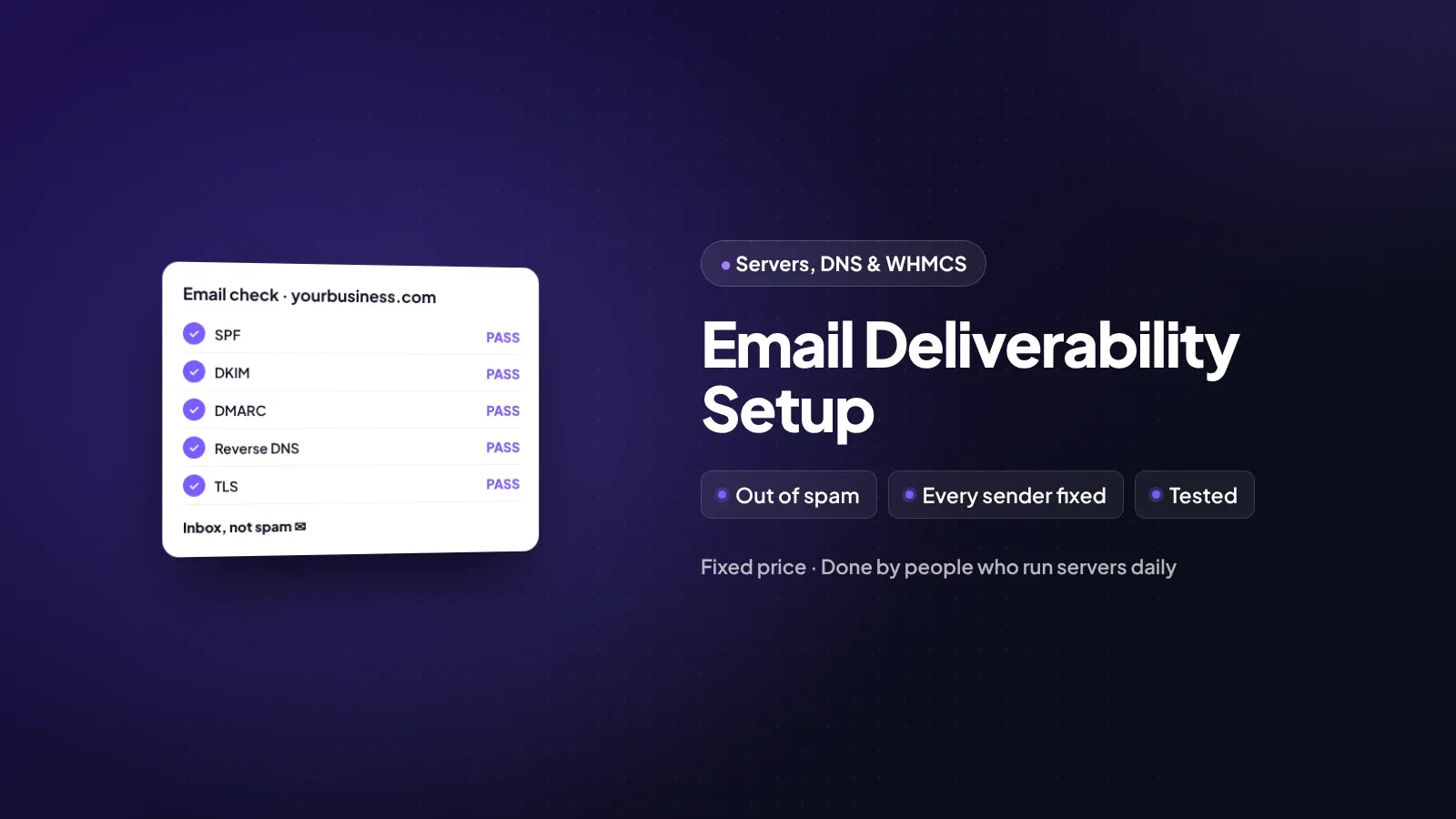
When email from your domain goes to spam, it is usually because the records that prove you are allowed to send are missing, wrong or in conflict. Your website, your mailbox, your newsletter tool and your billing system may all send as you. We find every sender and set each one up properly.
Good for
- Invoices or quotes that customers say they never received.
- Password reset or order emails landing in spam.
- Newsletters with low opens from one provider, such as Gmail or Outlook.
- Several tools sending email for your domain with no one checking the set-up.
What's included
Not included
- Fixing the content of marketing emails or your mailing list quality.
- Removal from blocklists that do not offer a removal process.
- Migrating mailboxes between email providers.
- Paid email service subscriptions.
What you get
About this service
If your invoices, password resets or newsletters land in spam, we find out why and fix it: SPF, DKIM, DMARC, reverse DNS and the settings of every service that sends email for you.
How the work runs
Delivered within 3 working days of payment and access to your DNS and sending services.
Find the senders
Day 1: we check your DNS and ask which tools send email for you.
Fix records
We set SPF, DKIM and DMARC for every sender.
Test
We send tests to major mailbox providers and check the results.
Report
You get a report and a date to review DMARC reports and tighten the policy.
What we need from you
- Access to your domain's DNS.
- Admin access to each service that sends email for you.
- An example of an email that went to spam, with its headers if possible.
- Server access, if you run your own mail server.
Good to know before you order
Will this guarantee my emails reach the inbox?
No one can guarantee that, as each provider makes its own decisions. Correct records remove the most common reason for email going to spam.
What does DMARC actually do?
It tells mailbox providers what to do with email that fails the checks, and sends you reports so you can see who is sending as your domain.
I only use Gmail. Do I still need this?
If your website or any other tool also sends email as your domain, yes. Each one needs to be set up.
Ready for a website that brings in customers?
Tell us what you need and we will reply with a clear plan and price.